|
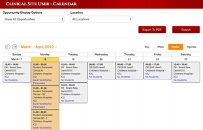
On the Calendar you will see every opportunity that is scheduled at your Clinical Site. |
 |
|
You can filter down the opportunities by selecting a choice from the Opportunity Display Options and/or Locations. Click the Search button after updating your choices. |
|
If you would like to export the calendar to a .pdf file, click the Export to PDF button. |
|
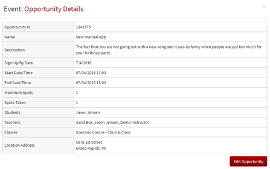
Click on the Opportunity to see more details. |
 |
(Clinical Site User) Calendar

Erika Jensen